


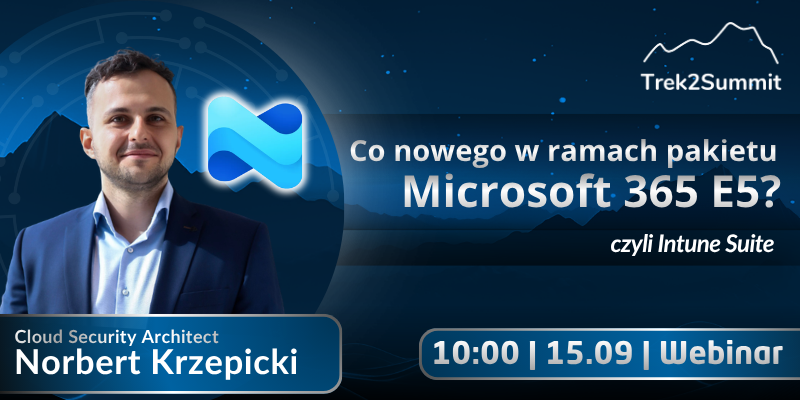
The Microsoft Intune Suite is an extension available to organizations with an E5 license, including as an add-on!
It provides IT teams with specific tools: remote support without a VPN, endpoint access control, enterprise application management, and a proprietary PKI in the cloud.
In this webinar, we’ll show you how these features work in practice. Specific scenarios for organizations that operate in a hybrid model and want to implement Zero Trust without a major overhaul of their infrastructure.
Topics we'll cover:
- Remote Help –remote technical support without tunnels or additional licenses
- Endpoint Privilege Management—Cloud-Based Controlof Local Administrator Privileges
- Enterprise Application Management—Deploy and Update Applications in One Place
- Cloud PKI—Certificates Without an On-Premises CA
Who is this for:
- IT administrators and endpoint managers who manage a fleet of devices in Microsoft 365
- Security architects implementing the Zero Trust model
- Decision-makers (IT Manager, CTO) who want to know what the E5 license actually offers beyond the standard version
Agenda - coming soon
Block 1
Intune Suite in the Context of E5 Licensing
What You Get That Isn't Included in Lower-Tier Plans
Block 2
Features in Practice
Remote Help, EPM, EAM, Cloud PKI - Real-World Scenarios
Block 3
Zero Trust Without a Revolution
Phased Implementation of a Security Model in a Hybrid Environment