


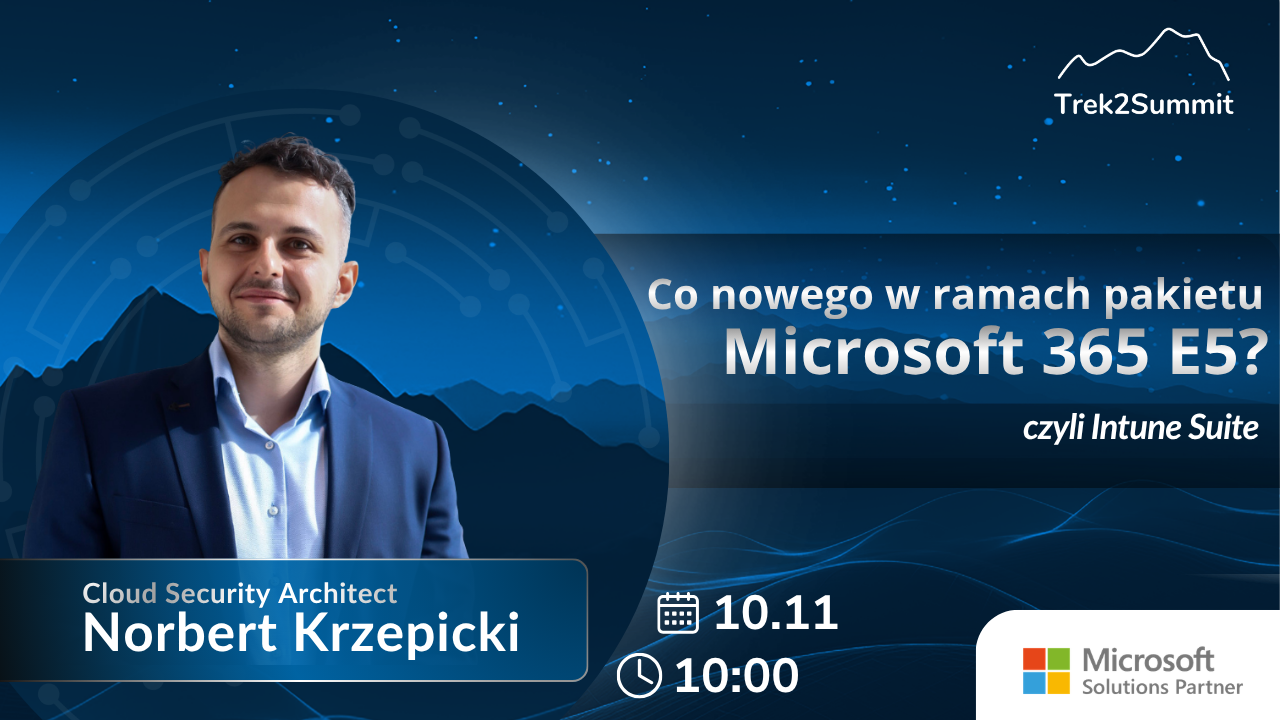

The Microsoft Intune Suite is an extension available to organizations with an E5 license, including as an add-on!
It provides IT teams with specific tools: remote support without a VPN, endpoint access control, enterprise application management, and a proprietary PKI in the cloud.
In this webinar, we’ll show you how these features work in practice. Specific scenarios for organizations that operate in a hybrid model and want to implement Zero Trust without a major overhaul of their infrastructure.
Topics we'll cover:
- Remote Help –remote technical support without tunnels or additional licenses
- Endpoint Privilege Management—Cloud-Based Controlof Local Administrator Privileges
- Enterprise Application Management—Deploy and Update Applications in One Place
- Cloud PKI—Certificates Without an On-Premises CA
Who is this for:
- IT administrators and endpoint managers who manage a fleet of devices in Microsoft 365
- Security architects implementing the Zero Trust model
- Decision-makers (IT Manager, CTO) who want to know what the E5 license actually offers beyond the standard version
Webinar Agenda
Discover the capabilities of the Microsoft Intune Suite and practical scenarios for managing device security in a Microsoft 365 environment.
| Block | Topic and Scope | Time |
|---|---|---|
| 01 |
Microsoft Intune Suite and the E5 license
Available options, licensing models, and feature extensions for Microsoft 365. |
10 min |
| 02 |
Remote Help: Remote Technical Support
Secure user support without a VPN, remote sessions, and access control. |
15 min |
| 03 |
Endpoint Privilege Management
Local Administrator Permission Control, the Principle of Least Privilege, and Endpoint Security. |
15 min |
| 04 |
Enterprise Application Management
Management of enterprise applications, updates, and the software lifecycle. |
15 min |
| 05 |
Cloud PKI and the Zero Trust Model
Cloud-based certificates, integration with a hybrid environment, and phased implementation of Zero Trust. |
15 min |
| 06 |
Implementation Scenarios and Q&A
Practical recommendations, a discussion of Intune Suite applications, and answers to participants' questions. |
20 min |